
Pay a Florida Registration Hold on MyFlorida

Follow the directions below to pay a Florida Department of Transportation (FDOT) registration hold on the MyFlorida app:
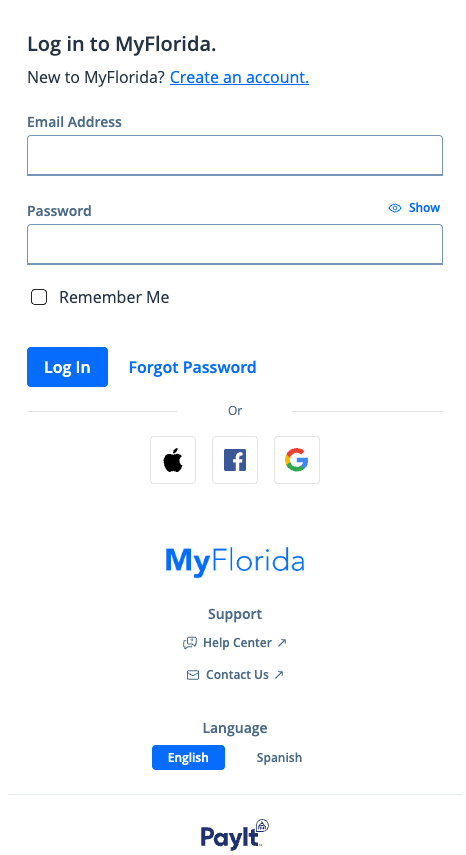
- Open the MyFlorida mobile app and log in (see Create a MyFlorida Profile)
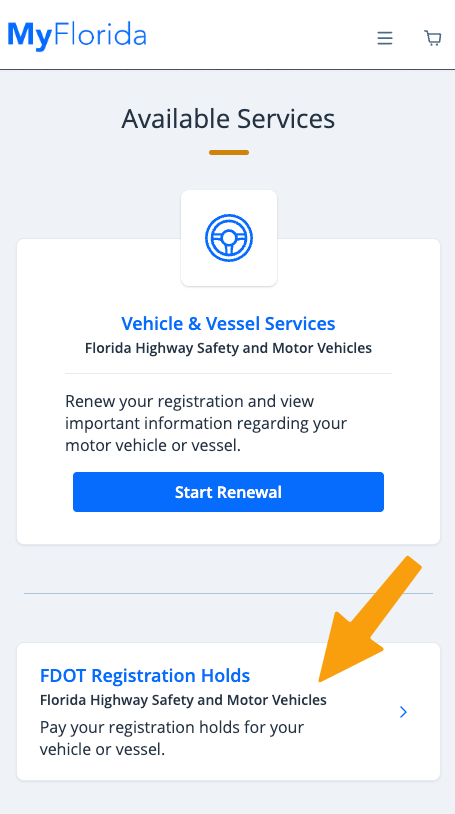
- Click FDOT Registration Holds under "Available Services"
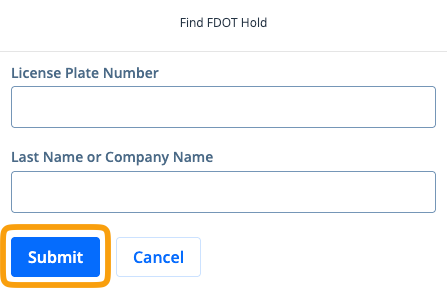
- Enter your License Plate Number and Last Name or Company Name to search for your Registration Hold then click Submit
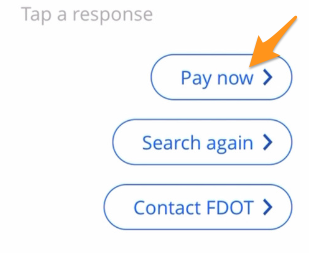
- Review your search results and click Pay now to proceed
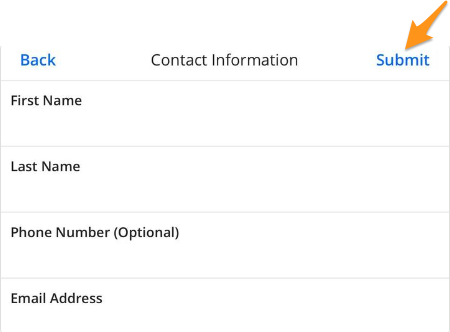
- Enter your Contact Information and click Submit
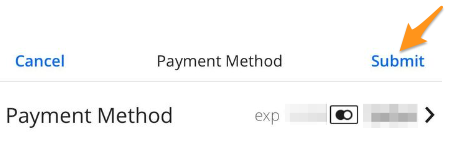
- Select a Payment Method and click Submit
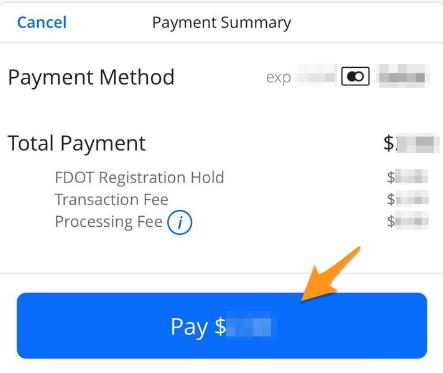
- Review your payment summary and click the blue Pay $--.-- button to complete your payment
Your payment has been submitted. You’ll receive a confirmation email shortly, and your receipt will be saved to your profile. If your registration renewal is due, you can complete payment now—holds typically release within a few minutes.
Related Articles: