Change App Language on MyFlorida

Follow the instructions below to update your default Language Preferences on the MyFlorida mobile app:
-
Open the MyFlorida mobile app and log in (see Create a MyFlorida Profile)
-
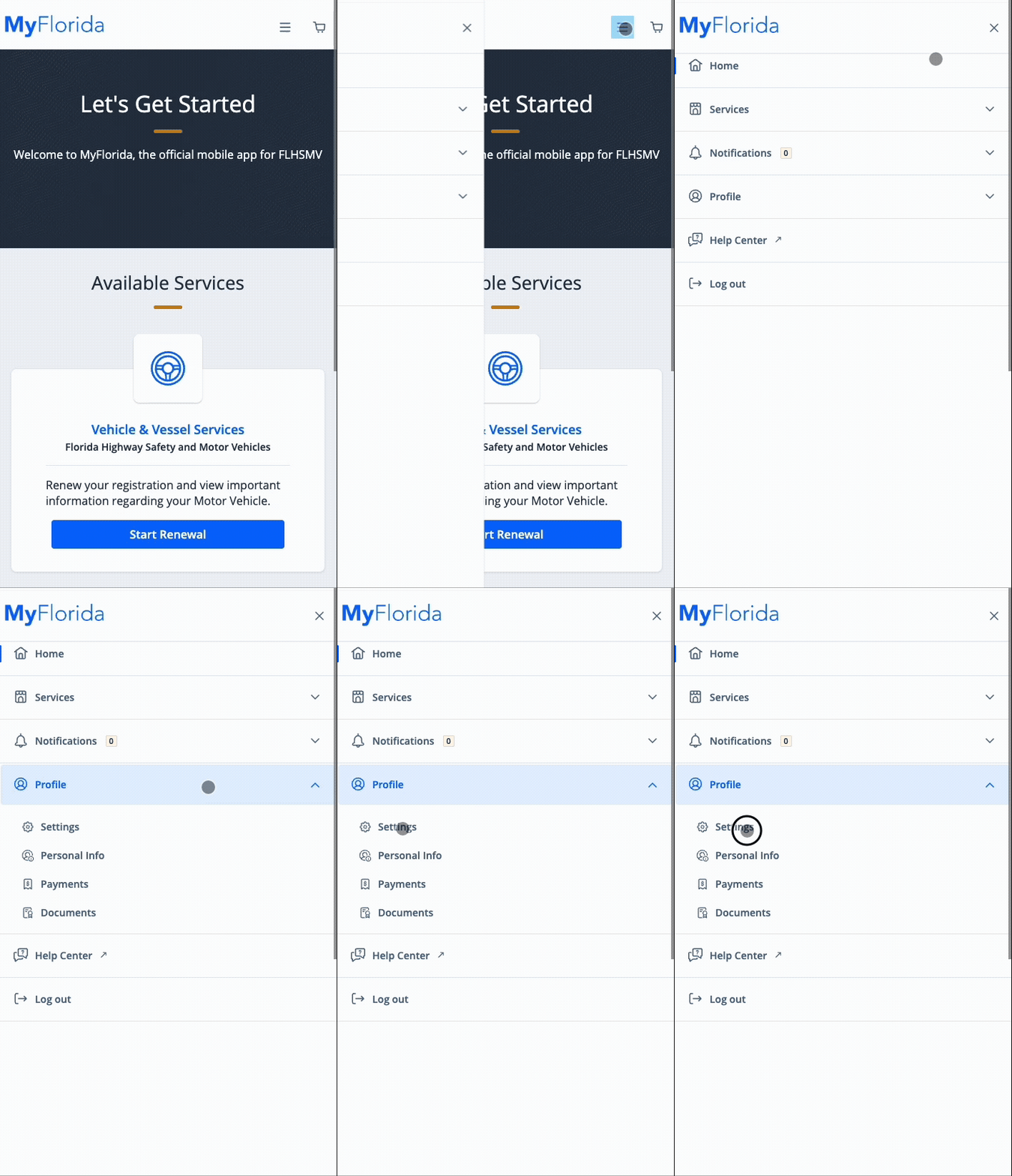
Click the menu dropdown in the top right corner, click Profile, then click Settings
- Scroll down to the Language Preferences section
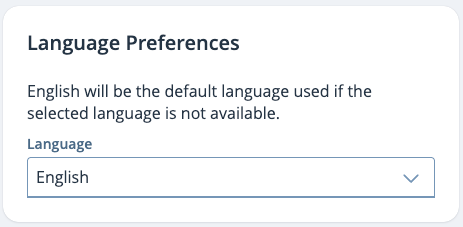
- Click the dropdown to select English or Español
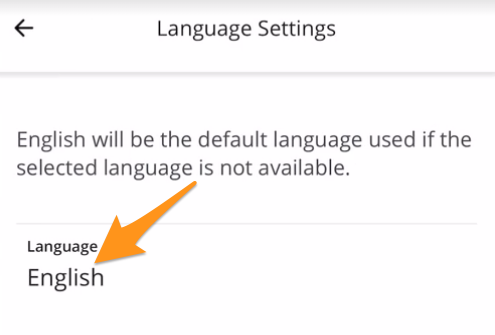
Done! Your MyFlorida App will now be translated in your selected language.
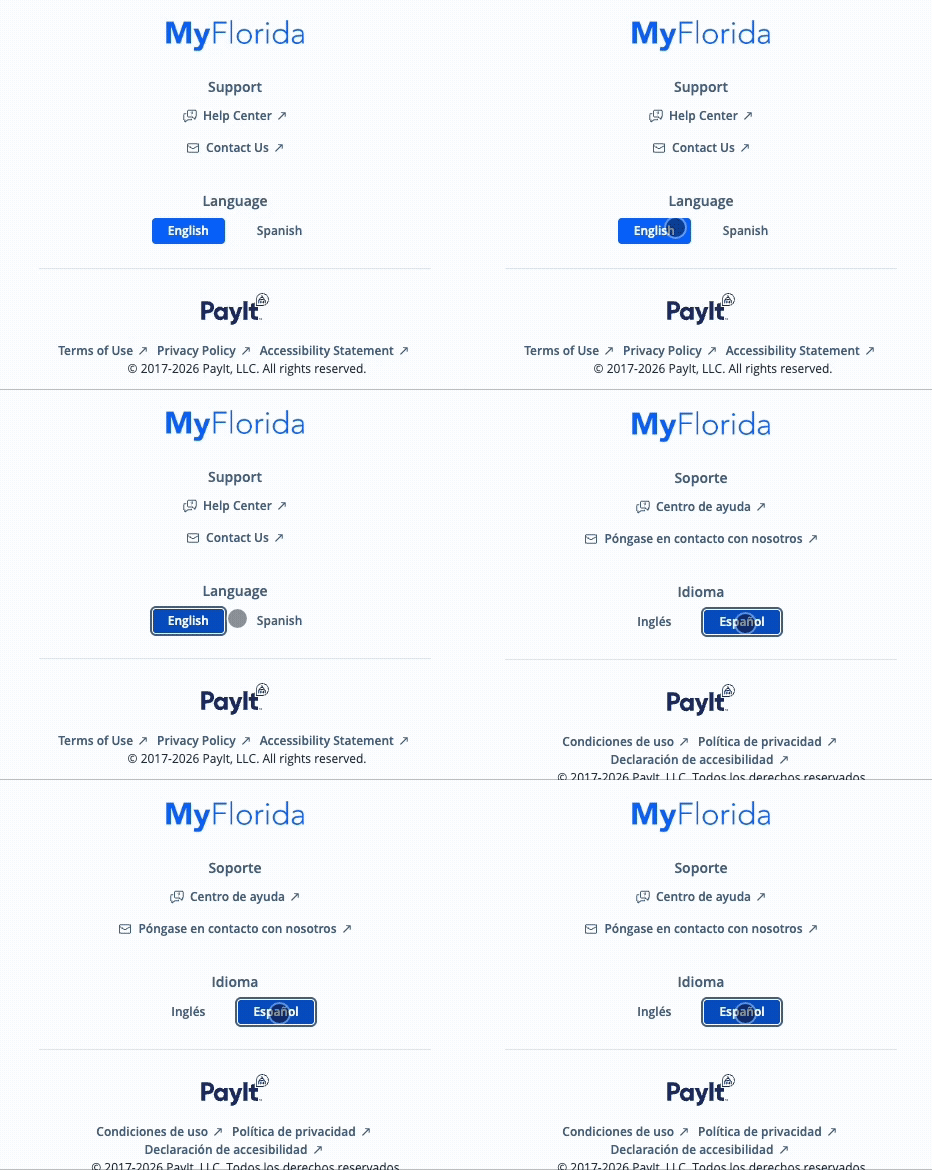
You can quickly and easily toggle between English and Spanish from the bottom section of any page within the MyFlorida app, including the log-in page: